
A front desk open around the clock is expensive.
After-hours arrivals.
Flights landing at midnight and guests waiting for someone.
Lines at peak times.
Five check-ins at the same time and only one person on duty.
Departures with no record.
Guests who leave without telling anyone and cleaners who don't know if they can go in.
How it works.
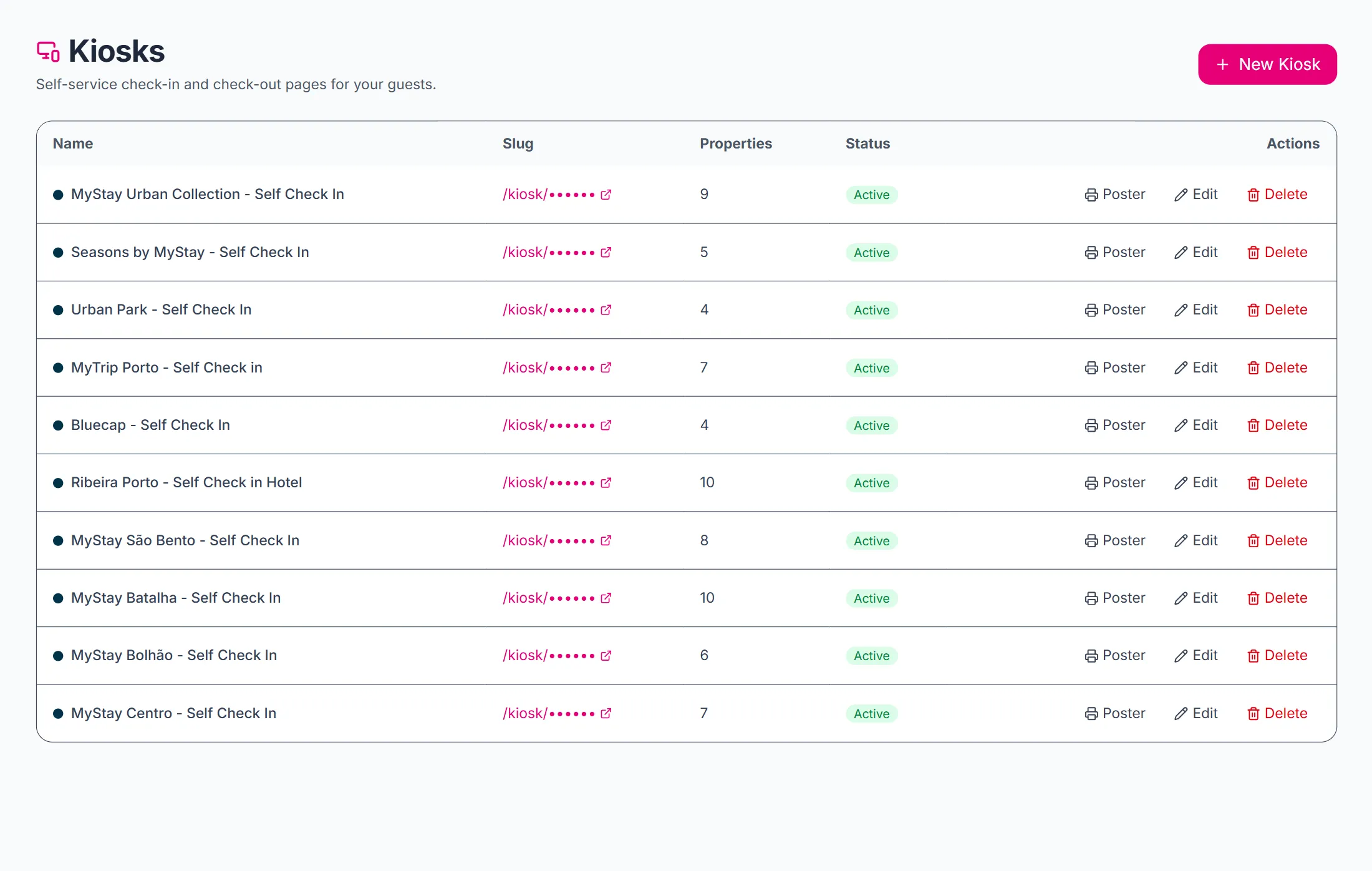
Create a kiosk per building
Choose each kiosk's properties and open the link on a tablet at the entrance.
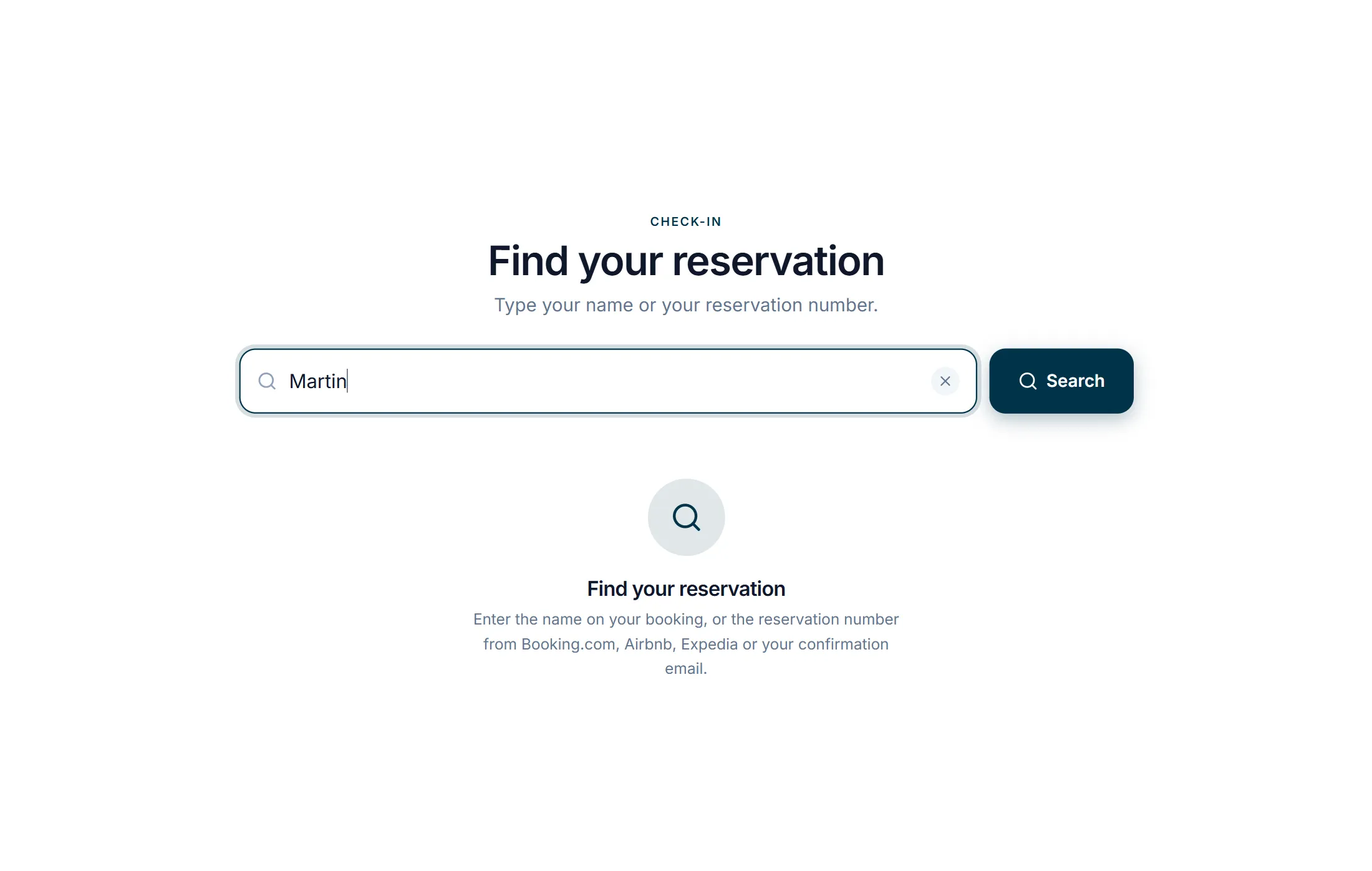
The guest finds their booking
By name or by the booking number from Booking.com, Airbnb, Expedia or the confirmation email.
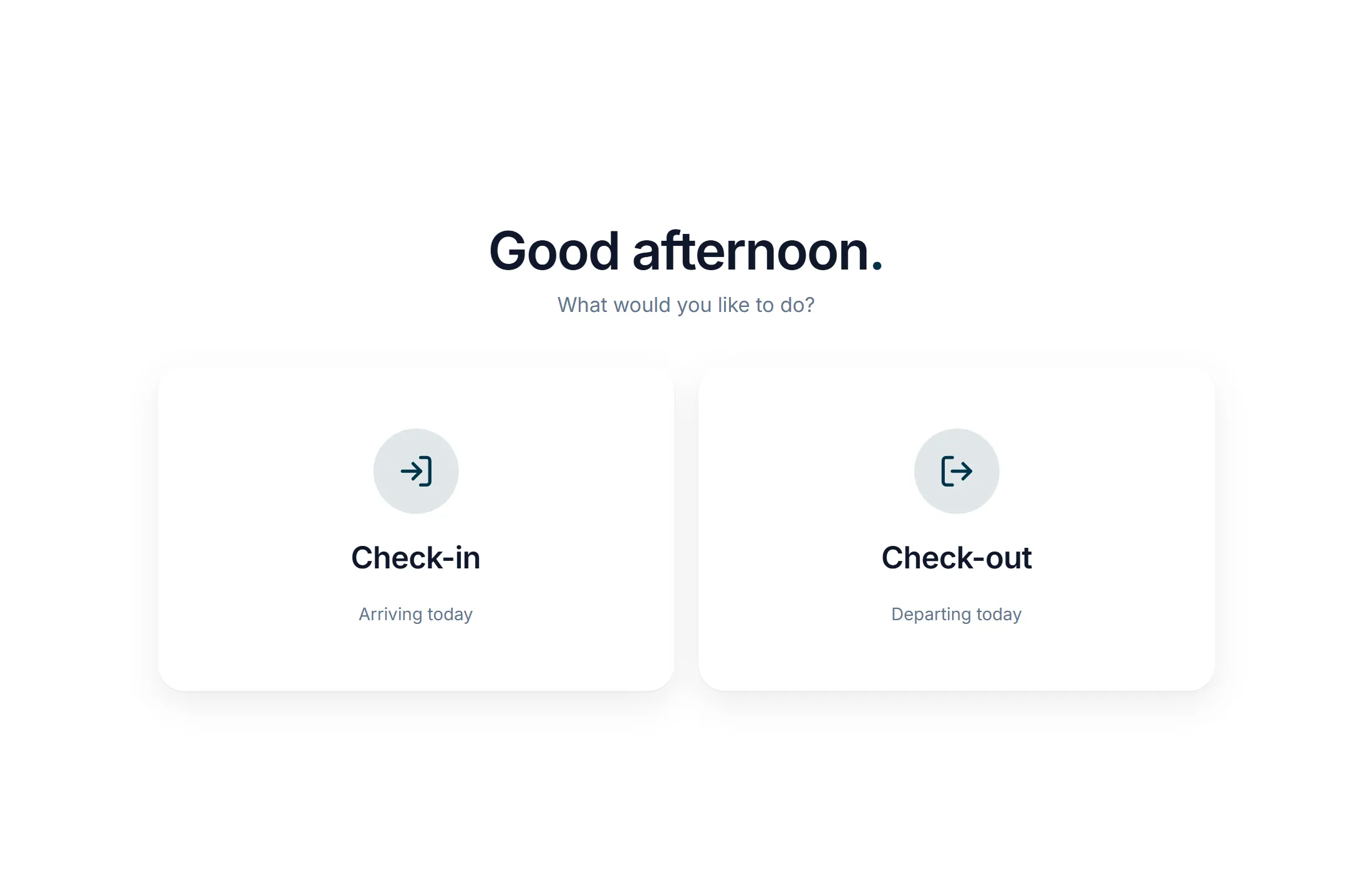
Check-in or check-out
The guest does it on their own. The team sees the status on the platform.
What's included.
Several kiosks
One for each building or front desk, each with its own properties.
Check-in and check-out
Both processes on the same screen, at any hour.
Booking search
By name or booking number from any channel.
6 languages
English, Spanish, Portuguese, French, German and Italian.
Poster to print
A poster ready to put up by the entrance.
Enable and disable
Each kiosk can be disabled whenever you like.
The front desk that never closes.
- The kiosk only shows that building's properties
- Search by name or booking number from any channel
- Enabled or disabled in one click
- One link per kiosk, on any tablet
- No apps to install
Frequently asked questions.
Do I need special equipment?
No. The kiosk is a web page that opens on any tablet.
Which plan includes the kiosks?
On the Business plan.
How does the guest find their booking?
By name or by the booking number from Booking.com, Airbnb, Expedia or the confirmation email.
Can I have several kiosks?
Yes. Create one per building, each with the properties at that location.
Does it replace online check-in?
No. They complement each other: online check-in is done before arrival, the kiosk at the building entrance.