
The revenue left uncollected.
Extras arranged by text message.
The guest asks for a late check-out by message, someone replies, someone sends a payment request. Sometimes nobody charges.
Nobody knows what was ordered.
Breakfast is arranged in a chat and the cleaners don't know they have to prepare it.
The guest doesn't know what's on offer.
Airport transfer, tickets, romantic package: if they're not in sight at the right moment, they don't sell.
How it works.
Create your extras
Name, photo, description, category and price: per booking, per night, per guest or per guest per night.
Link them to the guidebooks
Group extras into packages and choose which guidebooks they appear in. Each property can have its own offer.
The guest buys in the guidebook
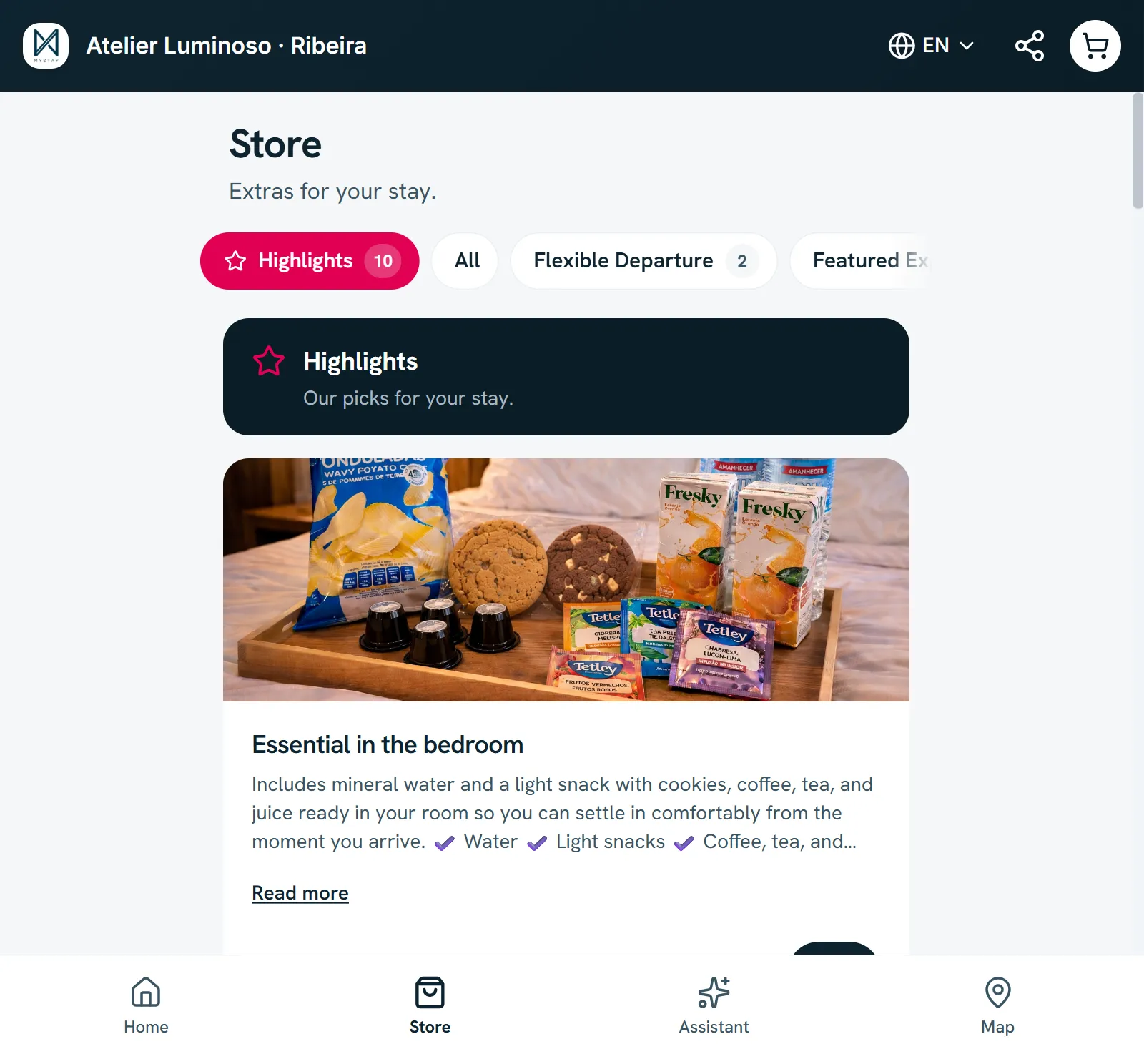
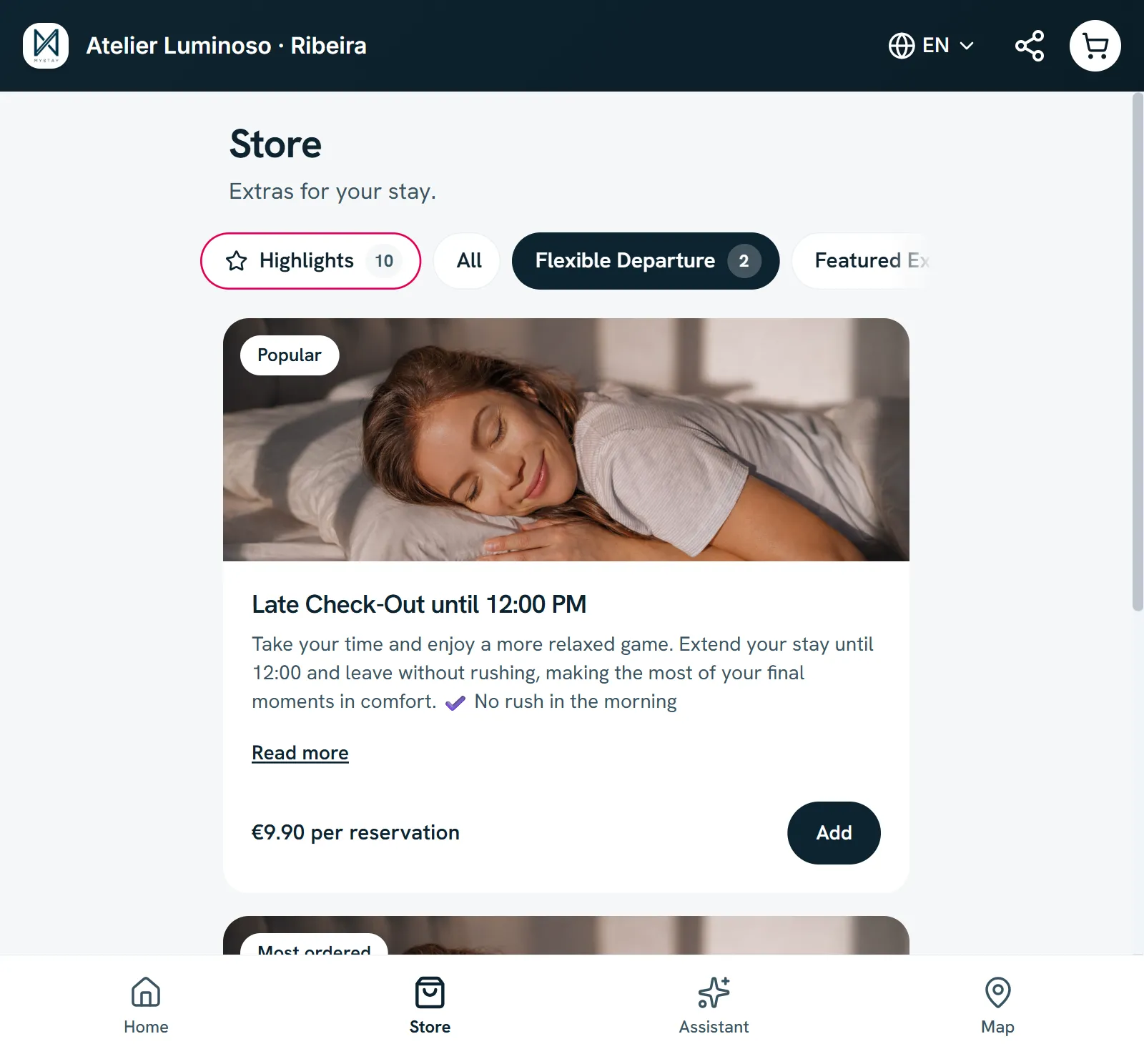
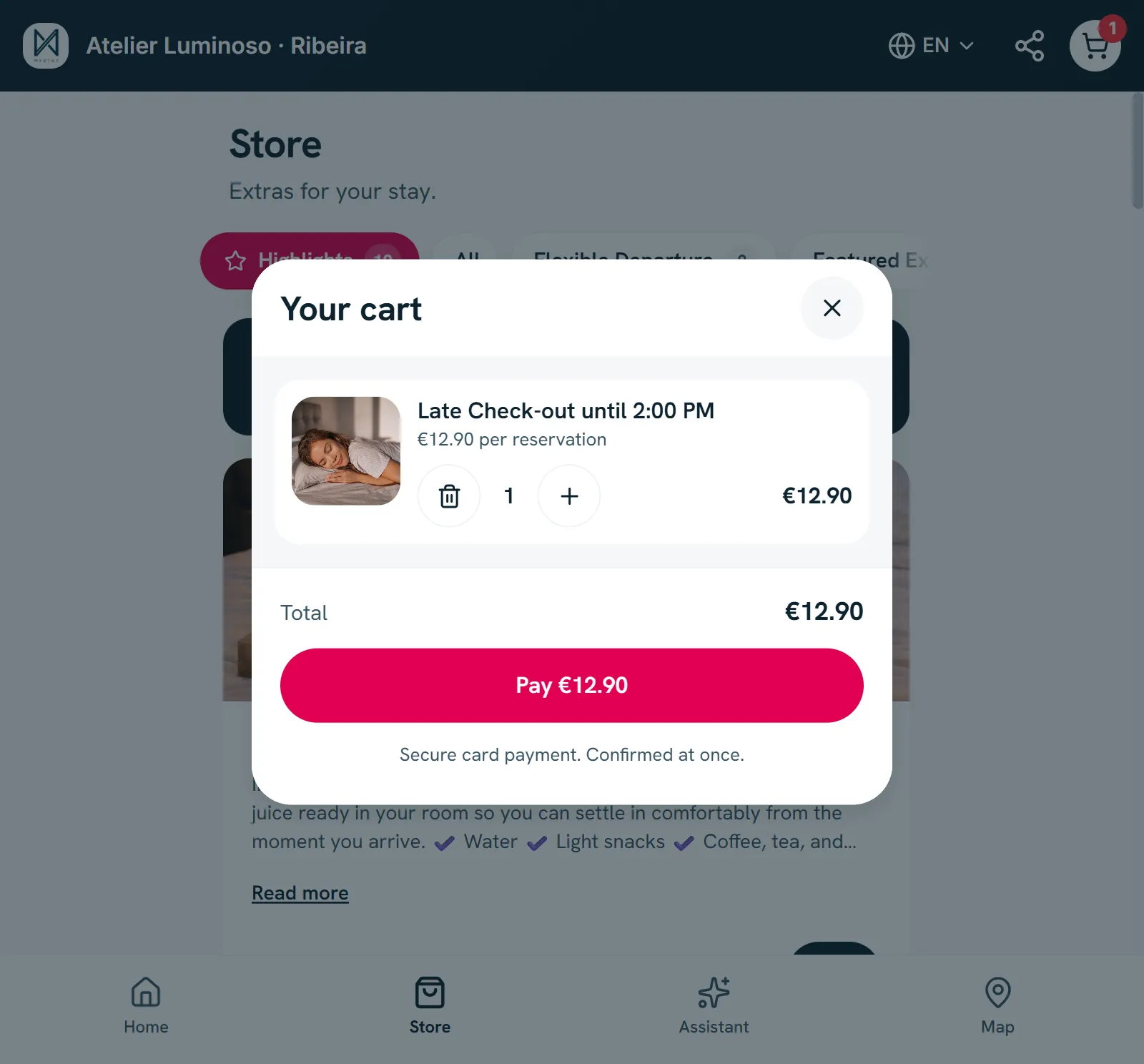
They open the store in the booking's guidebook, add to the cart and pay by card. The team sees the order in the tasks.
What's included.
Categories
Flexible check-out, airport transfers, tours, welcome gifts, in-room comfort. Organize the store however you like.
Highlights
The best-selling extras appear first, under “Just for you”.
Four ways to price
Per booking, per night, per guest or per guest per night. The cart does the math.
Card payment
Charged at checkout through the Stripe account of whoever manages the property.
Linked to operations
Each extra can become a tag in the tasks, so the team knows what to prepare.
Suggested by the agent
The AI agent suggests the right extra in the conversation, like a late check-out the day before departure.
Whoever manages decides.
- Extras and prices are set by whoever manages the property
- Payment goes to that account's Stripe, the manager's or the owner's
- You choose which guidebooks each package appears in
- You choose which extras are charged in the cart
- You change prices and photos whenever you like
- Every order is recorded on the booking
Frequently asked questions.
Where does the guest see the store?
In the booking's digital guidebook, on the Store tab. The AI agent can also suggest an extra in the conversation.
Where does the money go?
To the Stripe account connected to the platform, of whoever manages the property: the manager or the owner themselves.
Who sets the extras?
Whoever is managing the property. You can have the same offer for every property or a different one for each.
Which plans include it?
On the Pro and Business plans.
Does the team know what was bought?
Yes. Each extra can be flagged in the operations tasks, so it's prepared in time.